
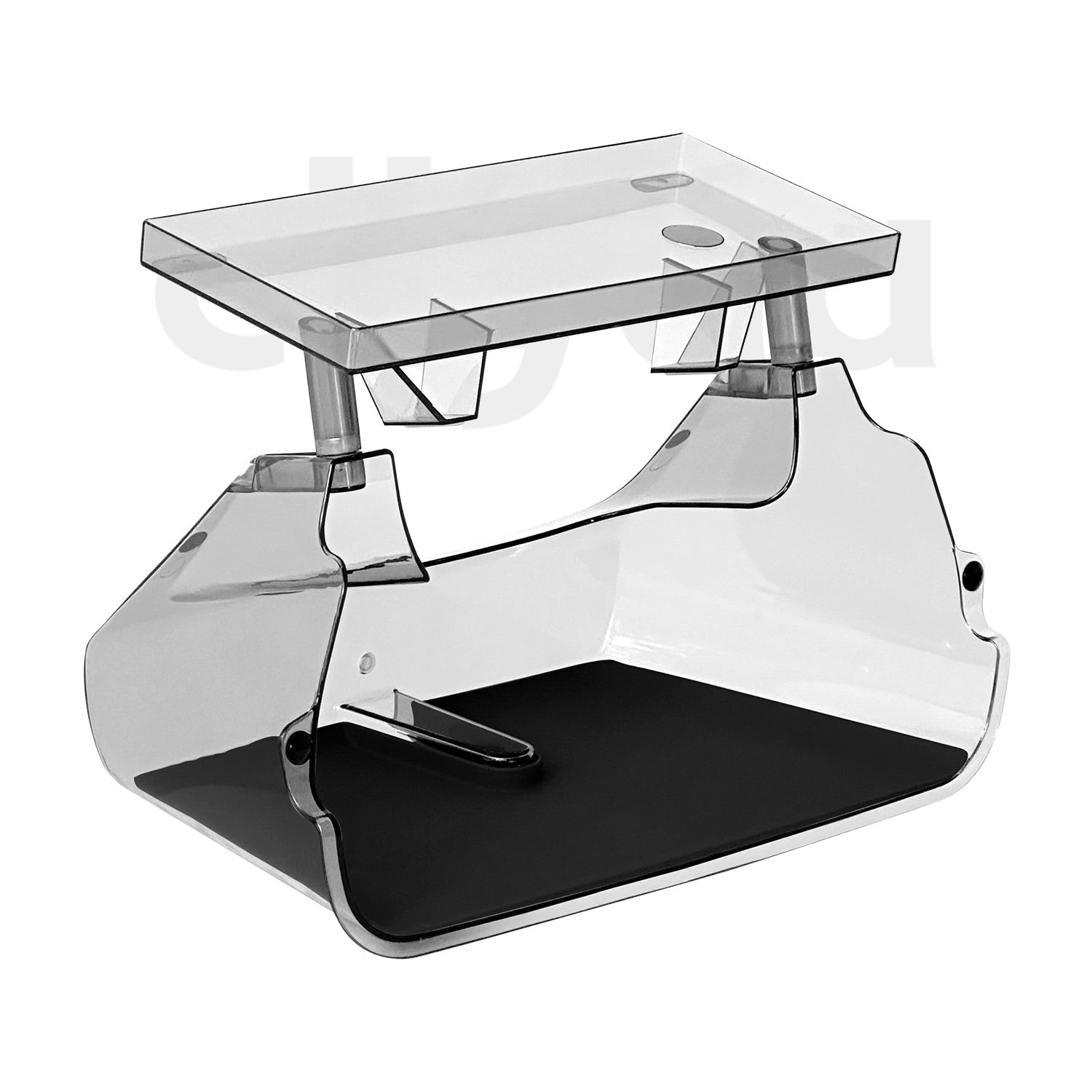
ciiyaa Under Screen Storage Box Pro for Tesla Model 3(24-Now) / Y(25-Now) / YL(25-Now)

Regular price $69.99
Sale price $69.99 Regular price
Unit price
White
Black
Compare Ask a question

Ask a Question

* Required fields

Size guide Share
Free Shipping on Order over 100USD
1% off ≥ 200USD | 2% off ≥ 500USD | 3% off ≥ 1000USD | 4% off ≥ 2000USD
200,000+ Auto Owners Trust Us – 100% Secure Payments!
ciiyaa Under Screen Storage Box Pro for Tesla Model 3(24-Now) / Y(25-Now) / YL(25-Now)

ciiyaa Under Screen Storage Box Pro for Tesla Model 3(24-Now) / Y(25-Now) / YL(25-Now)

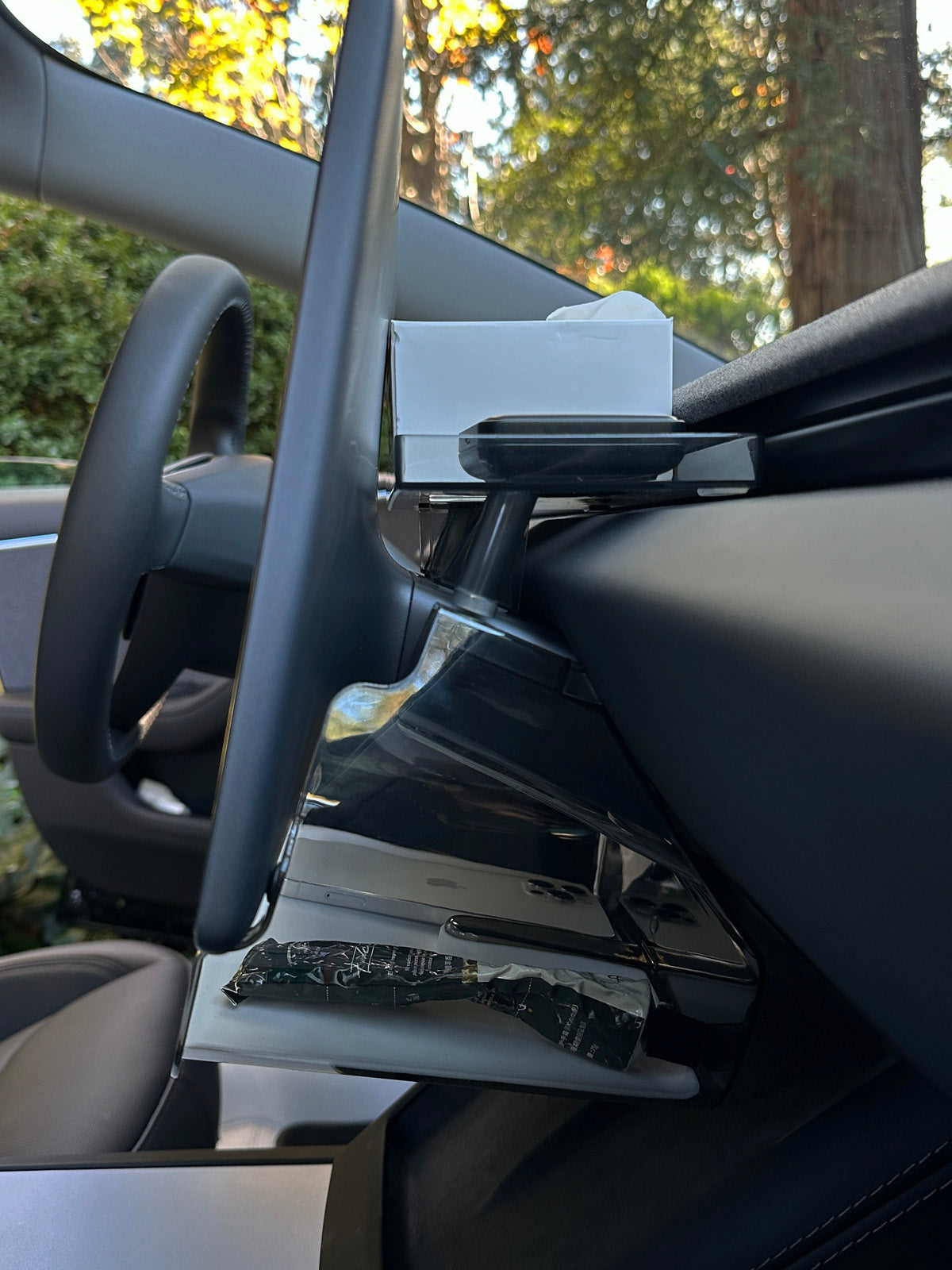
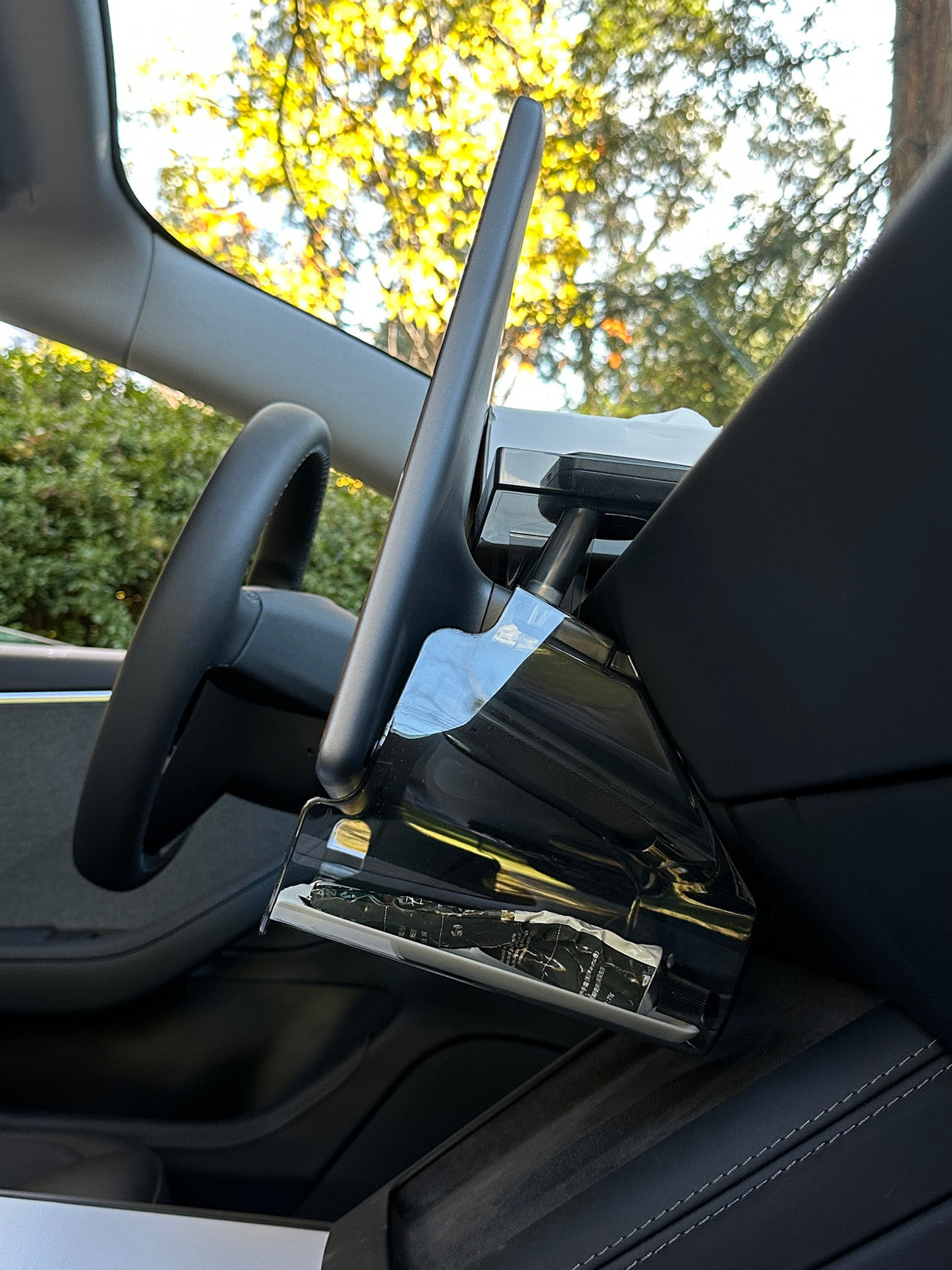
Use the Space Below

Use the Space Below

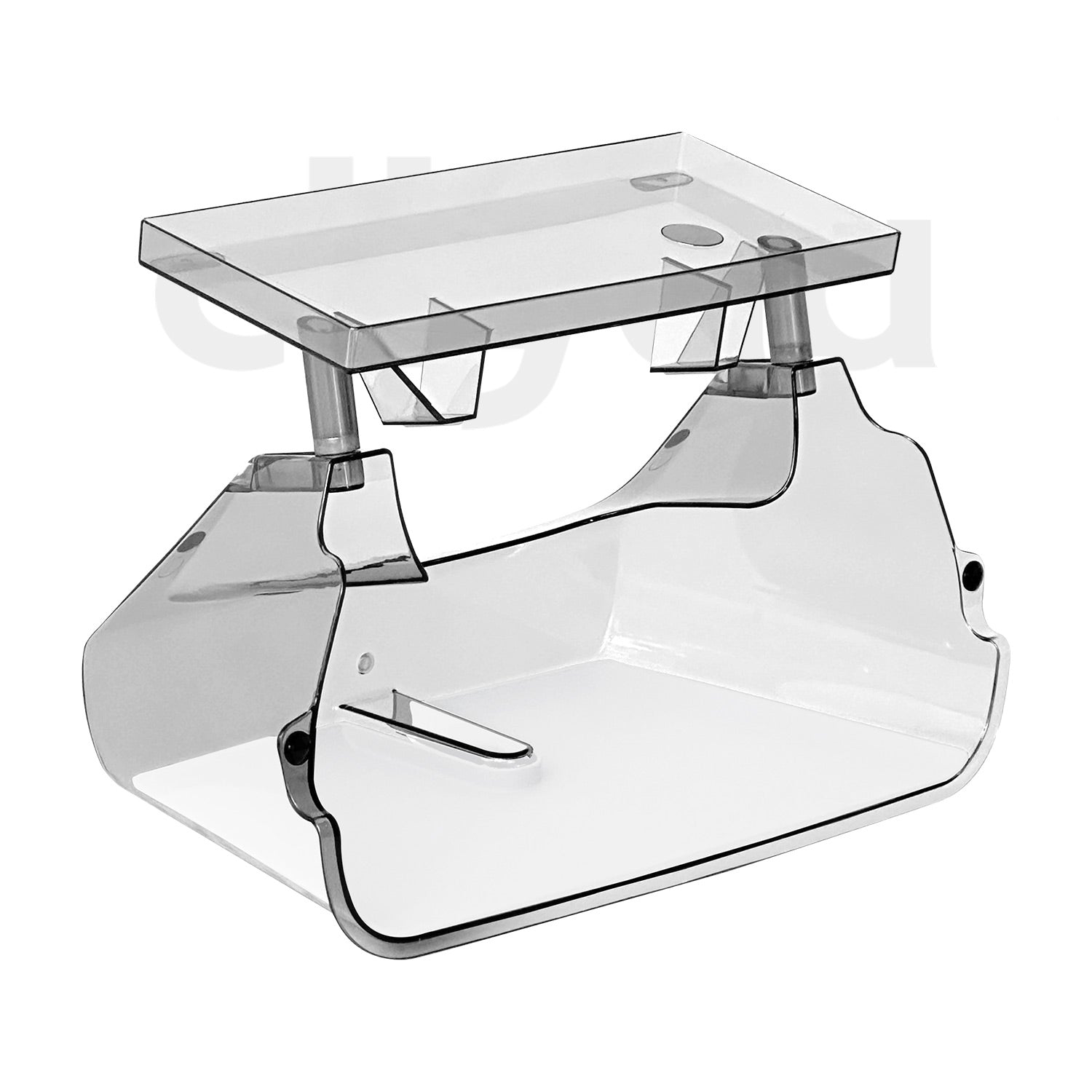
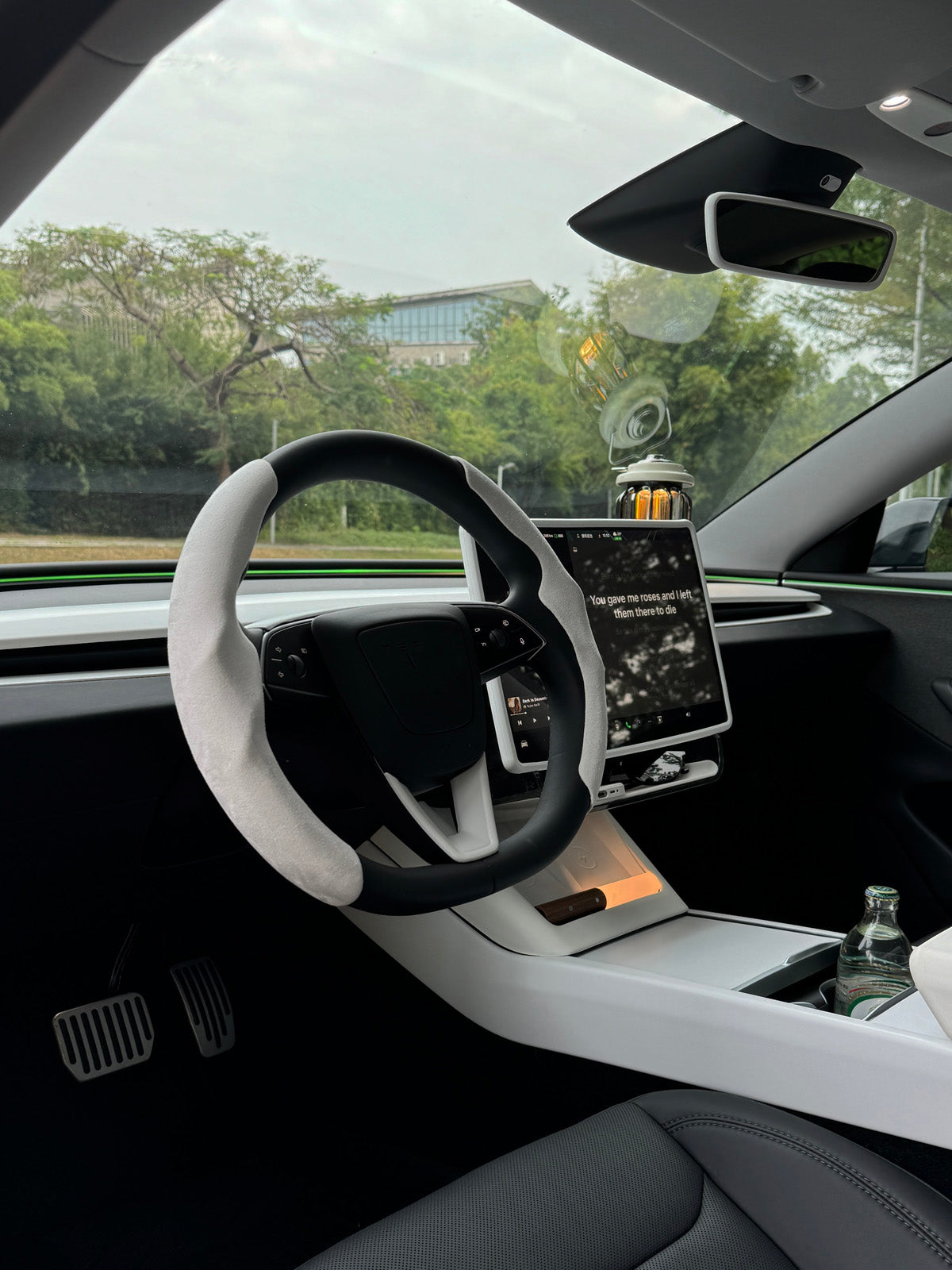
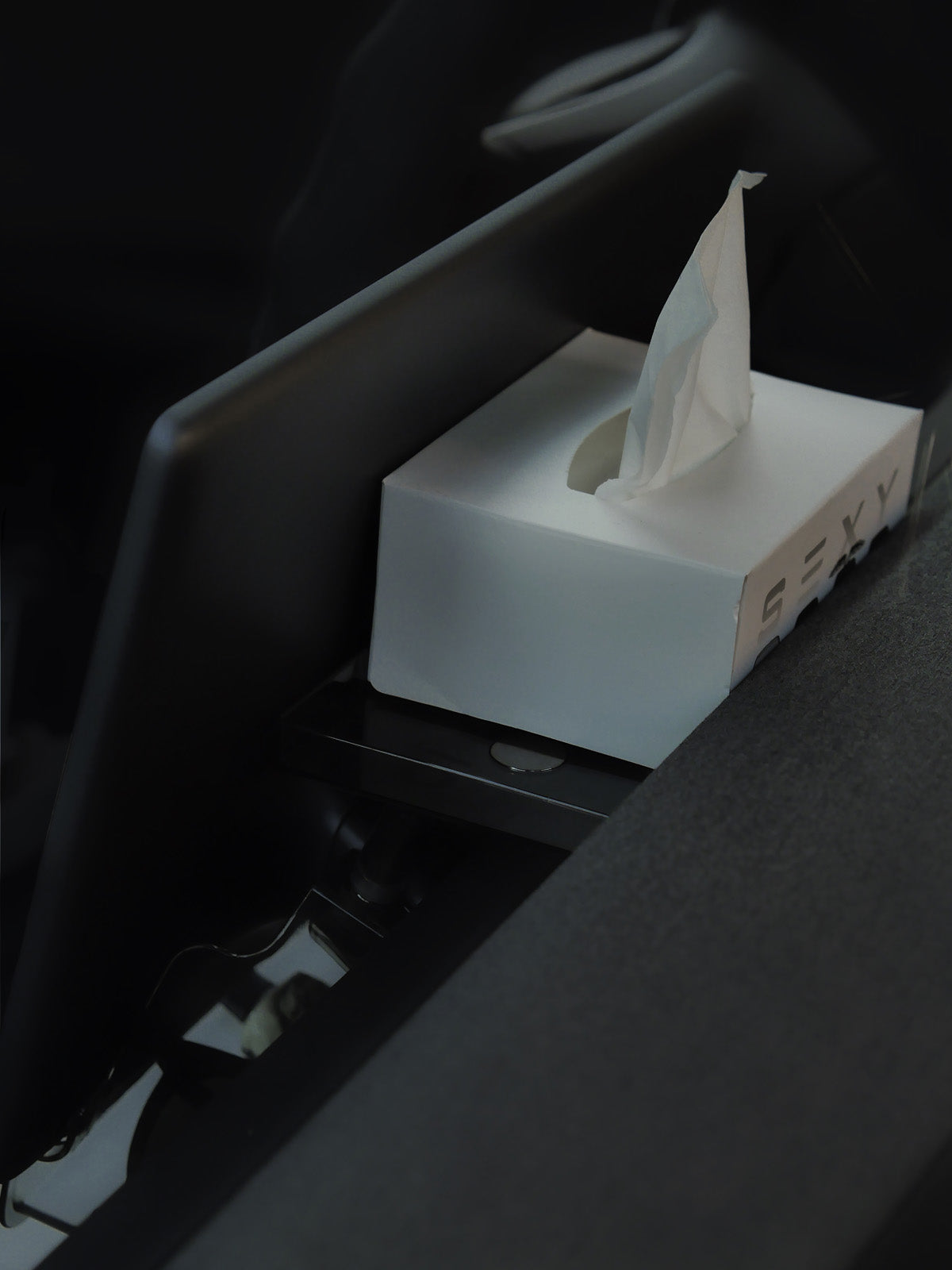
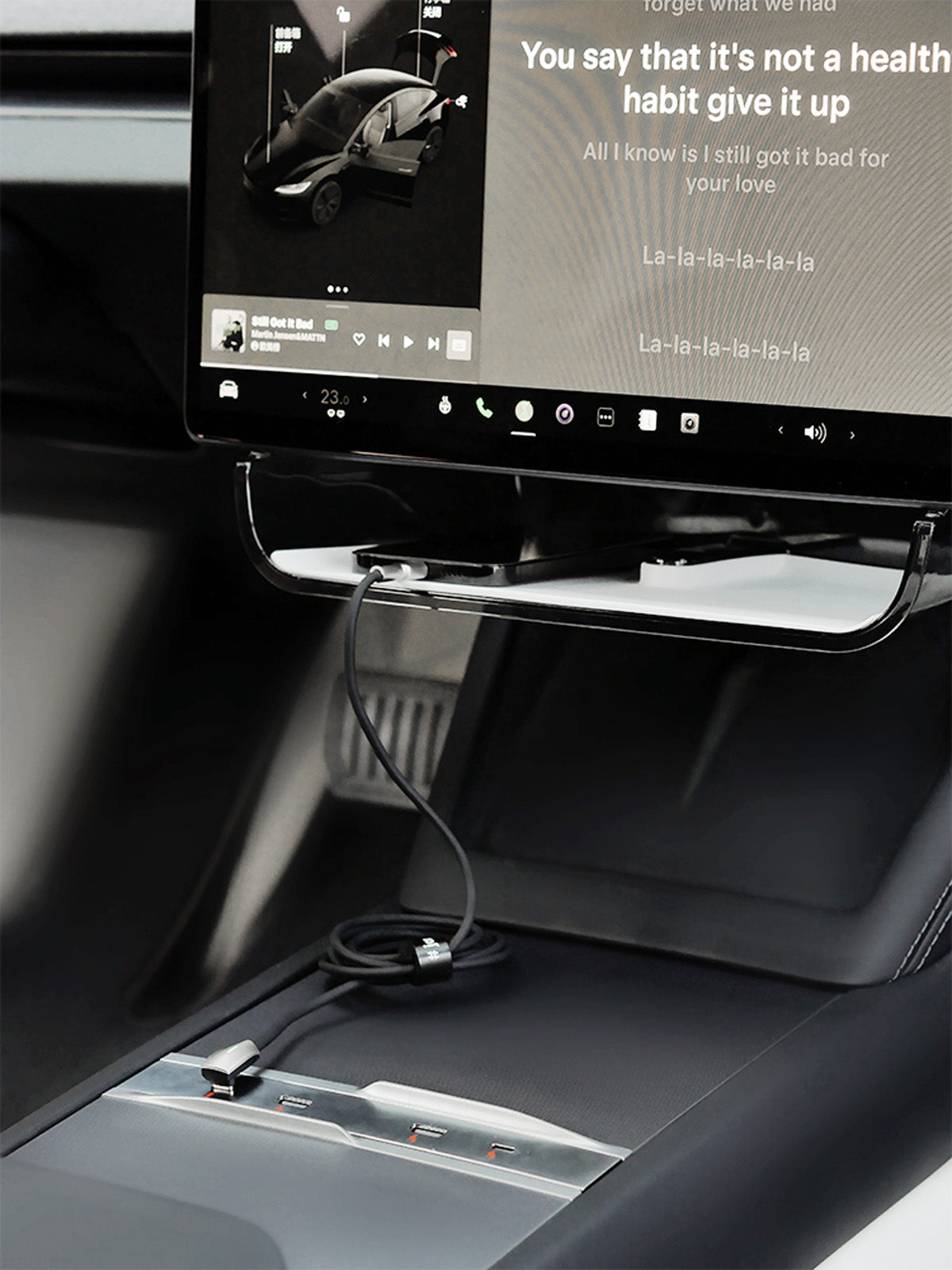
The under-screen tray gives small daily items an accessible home without filling the center-console compartment.
Storage Within Easy Reach

Storage Within Easy Reach

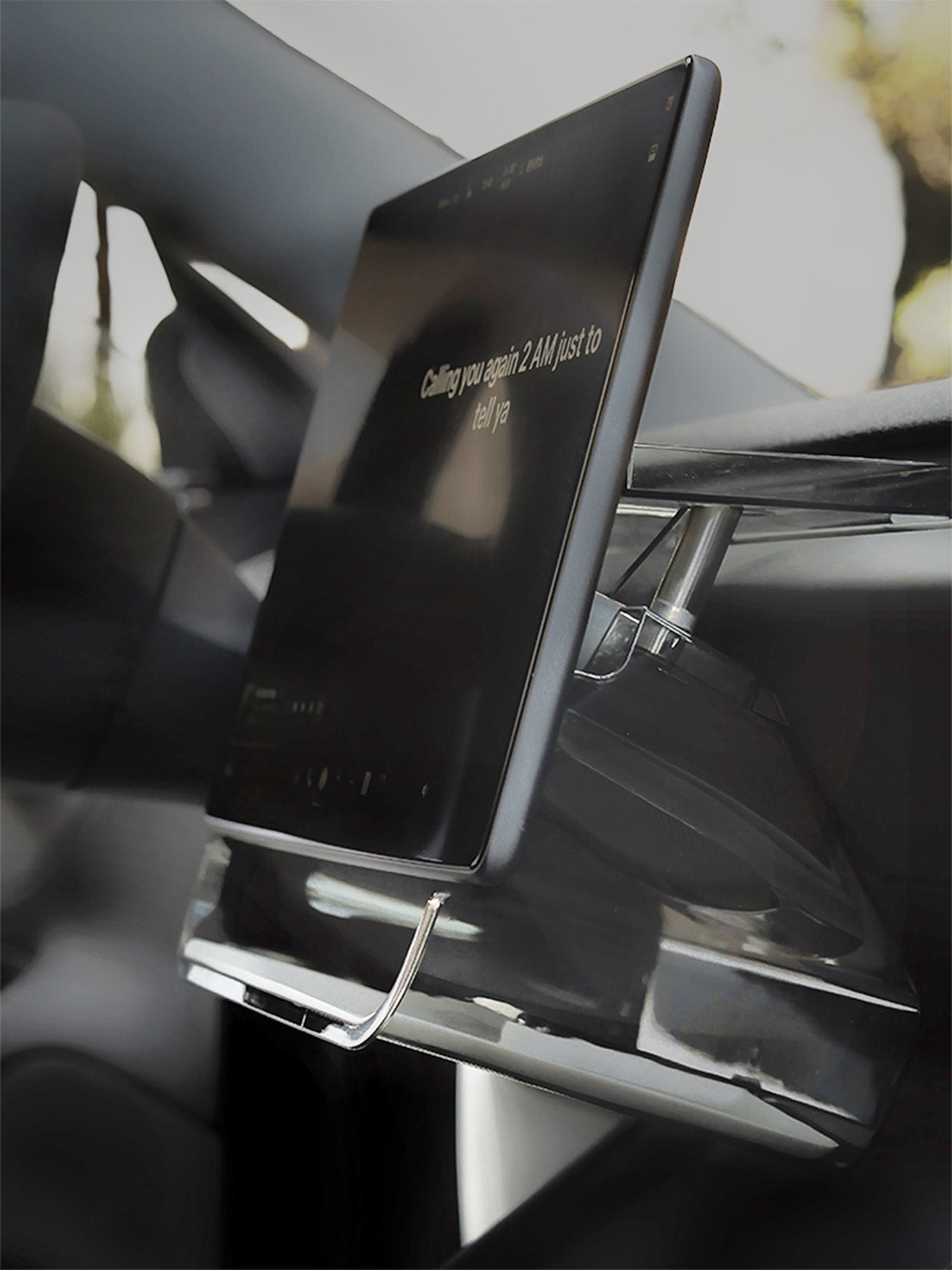
The shaped tray sits close to the lower display edge, keeping everyday essentials easy to reach.
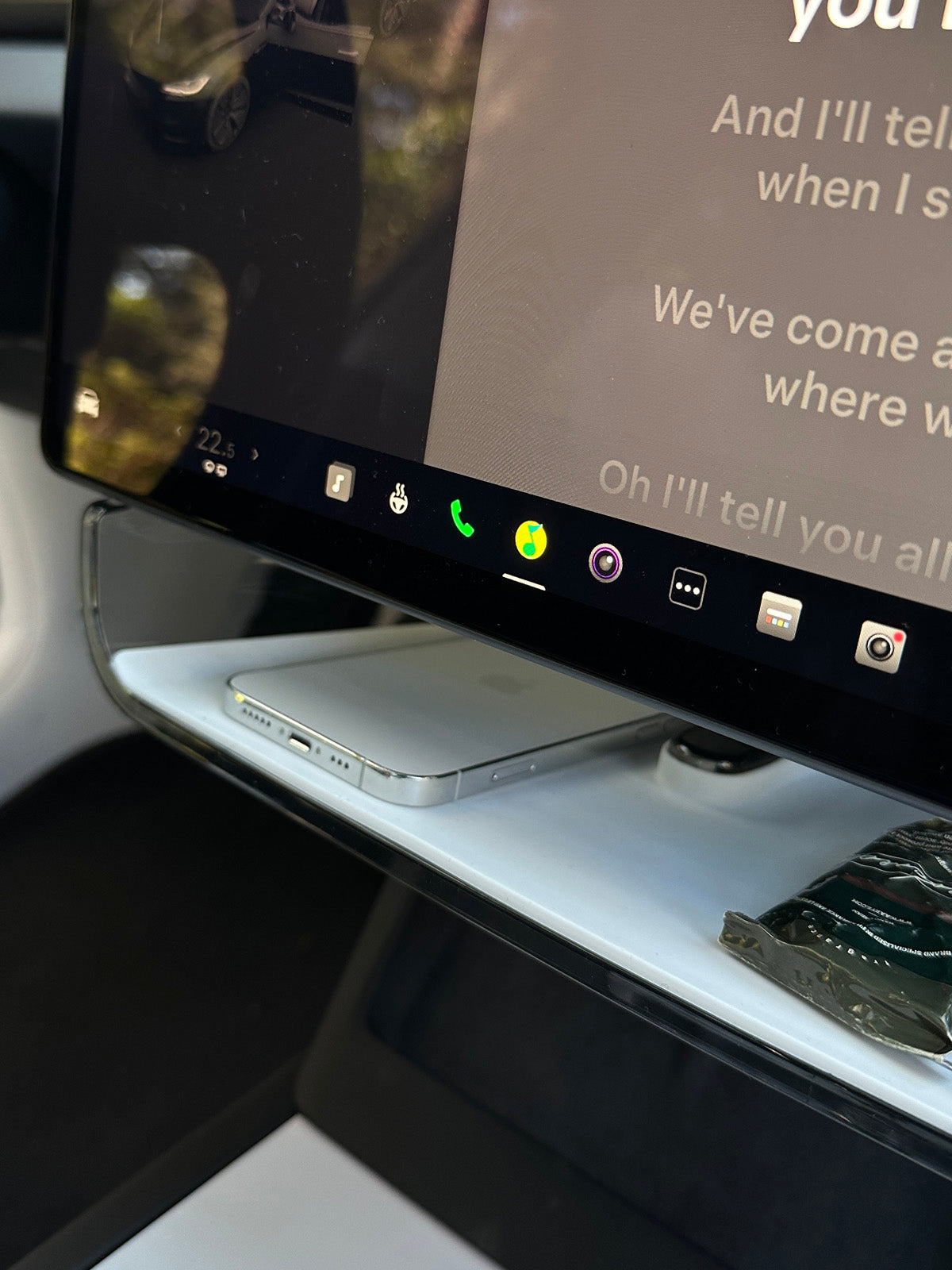
Keep the Display Clear

Keep the Display Clear

The organizer sits beneath the screen, leaving the visible display and touchscreen surface open for normal use.
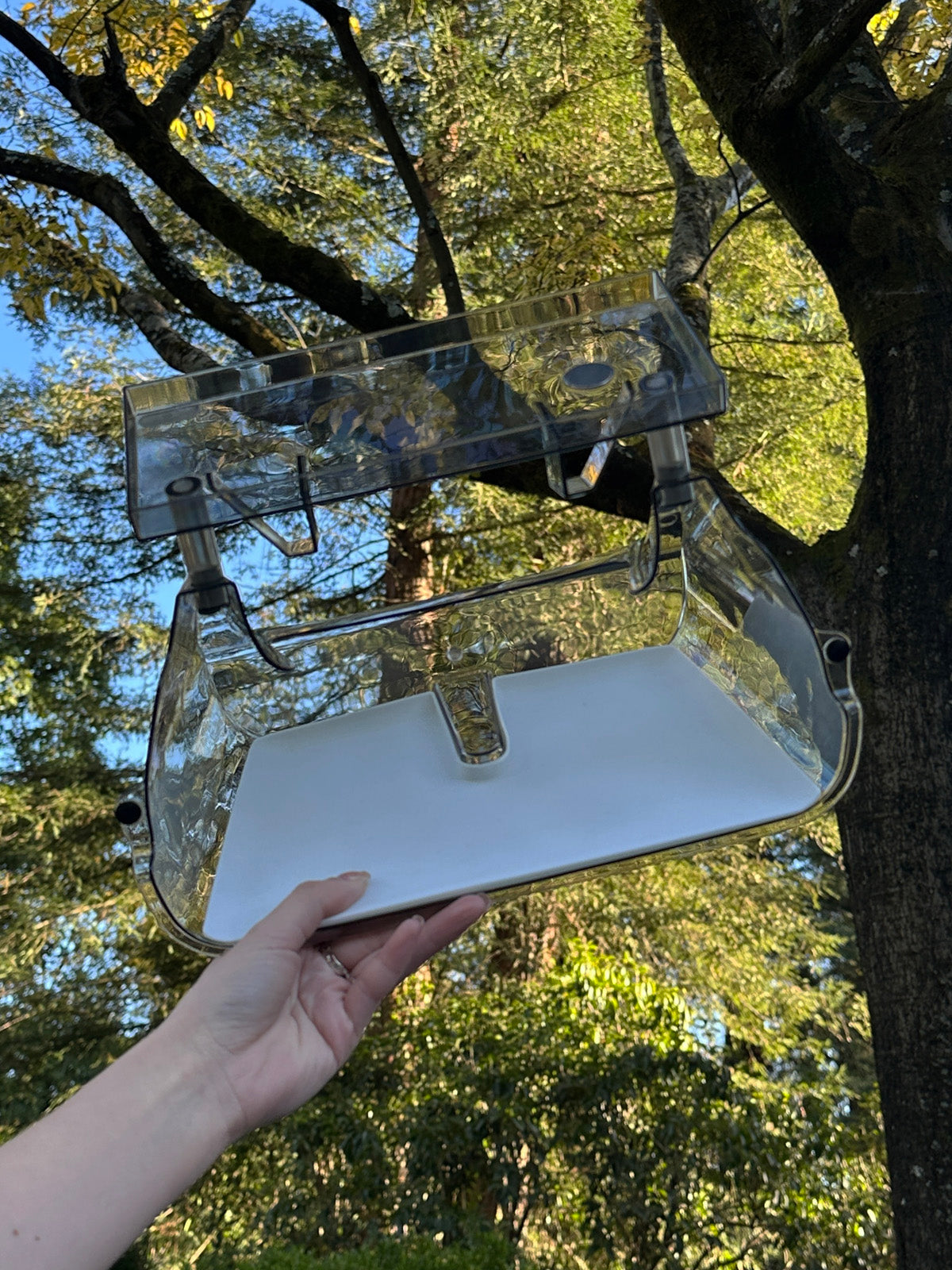
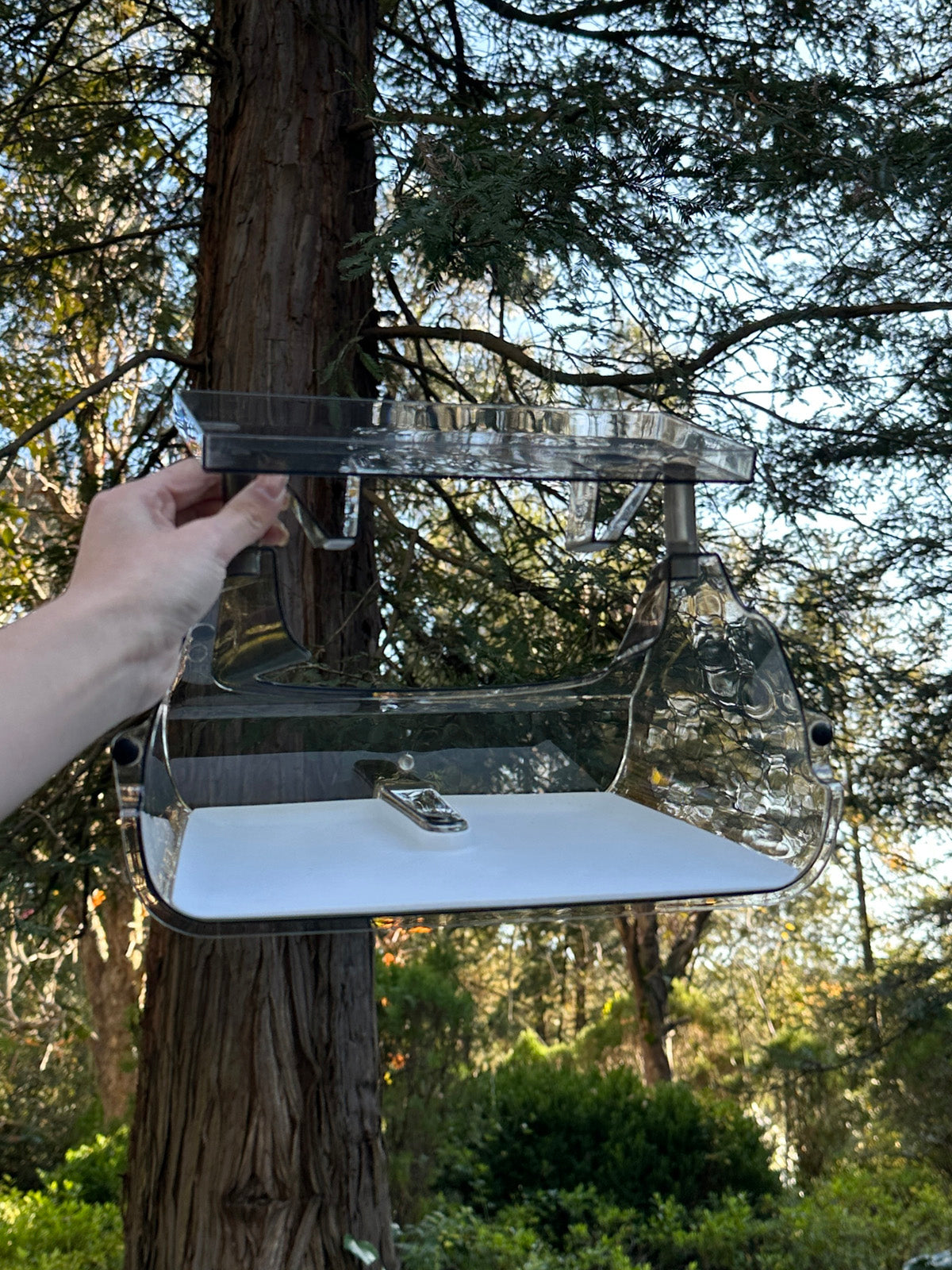
Adjustable Support Posts

Adjustable Support Posts

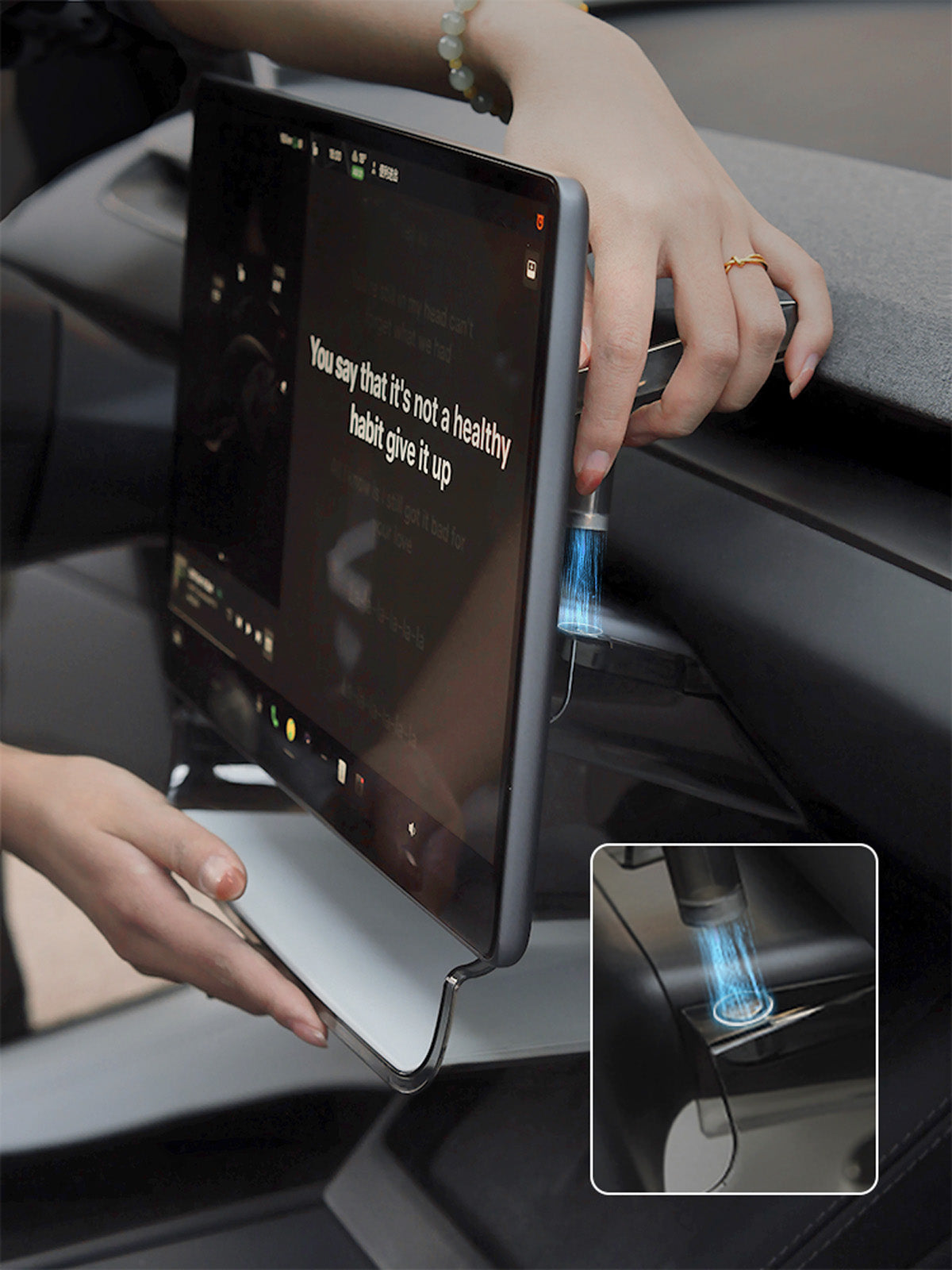
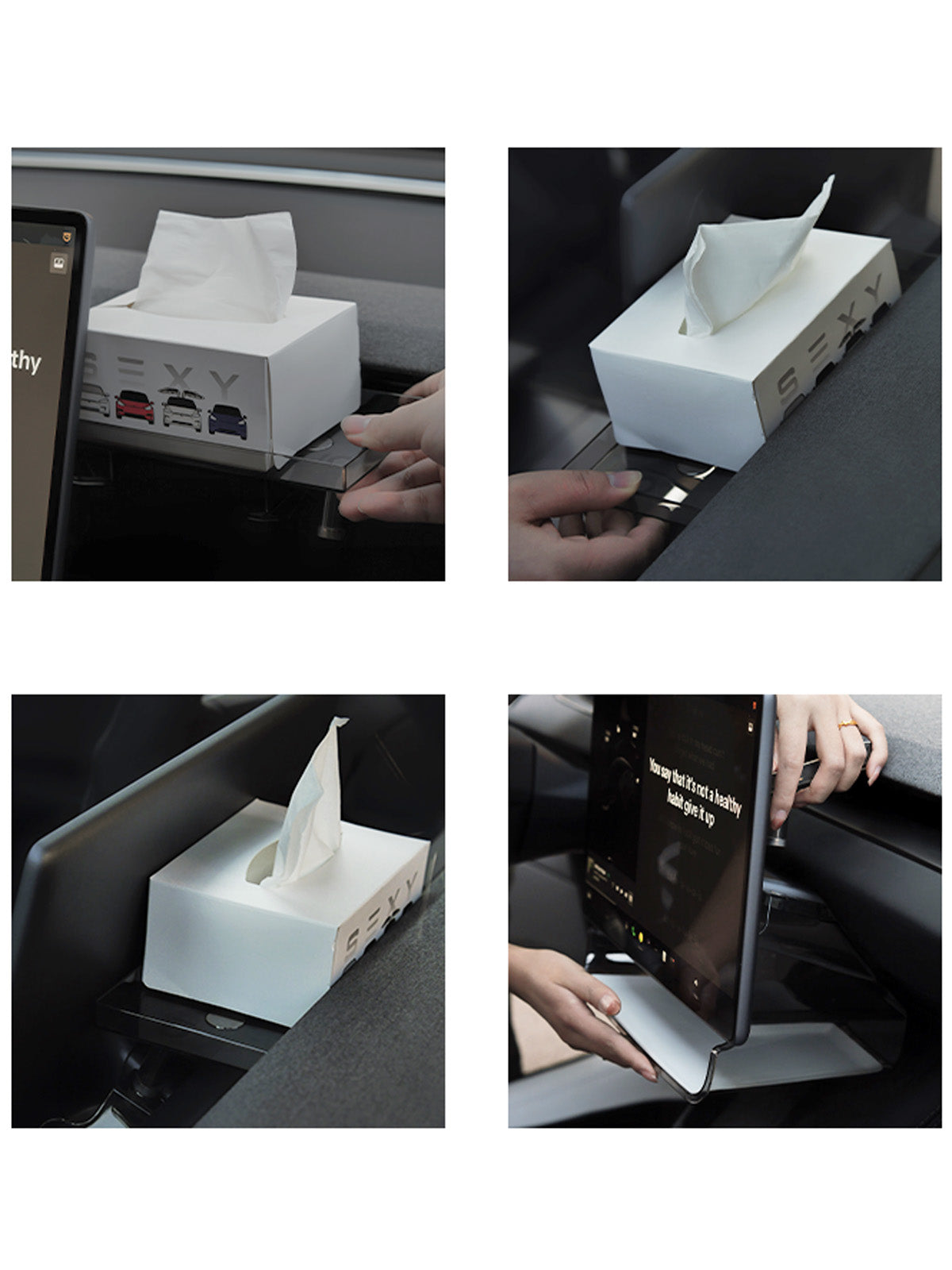
Set the support posts to position the tray beneath the screen, then check that it sits securely.
Lift-Out Liner

Lift-Out Liner

Remove the inner liner to clear dust and small spills without reaching into every tray corner.
Clear Shell, Fitted Liner

Clear Shell, Fitted Liner

The transparent shell keeps the organizer visually light, with a fitted liner to hold small items inside.

Frequently Asked Questions

Helpful details about this product.
Which vehicles does the Pro under-screen storage box fit?
The current Ciiyaa Pro options are for Model 3 2024–2026, Model Y 2025–2026, and Model YL 2025–2026.
Which colors are available?
The current Pro version is offered in White and Black.
What is this organizer used for?
It creates a convenient storage area beneath the center screen for frequently used small items such as cards, keys, glasses, or charging accessories.
Will it interfere with the display?
No when correctly installed. It sits below the screen and should not cover the visible display, controls, or driver sightline.
How is it installed?
Align the organizer with the model-specific underside of the display and secure it using the fitting method shown in the Ciiyaa images. No drilling is intended.

Recently Viewed Products